In the ever-evolving world of gaming, having the right setup can make all the difference. As gamers strive for higher performance, building a custom gaming PC has become a popular choice. This guide will walk you through the essential components, considerations, and tips for assembling your own gaming rig, ensuring that you achieve the best gaming experience tailored to your needs.
Understanding the Basics of PC Building
Building a gaming PC may seem daunting at first, but understanding the basic components and their functions simplifies the process. A typical gaming PC consists of a CPU, GPU, motherboard, RAM, storage, and a power supply. Each component plays a crucial role in determining overall performance.
The CPU, or central processing unit, is often referred to as the brain of the computer. It handles all the calculations and instructions necessary for gaming. The GPU, or graphics processing unit, is responsible for rendering images, animations, and video, making it one of the most critical components for gamers.
When planning your build, it’s also essential to consider the motherboard, which connects all components and allows them to communicate. RAM, or random access memory, provides the necessary memory for your games to run smoothly. Lastly, storage options, such as SSDs and HDDs, determine how quickly your system can load games and applications.
Selecting the Right Components
Choosing the right components for your gaming PC is essential to ensure optimal performance. Start by selecting a CPU that matches your gaming needs. For instance, if you play demanding games like first-person shooters or open-world titles, consider investing in a high-performance CPU.
Similarly, your choice of GPU should reflect the type of gaming you intend to do. High-end graphics cards from manufacturers like NVIDIA and AMD can handle modern games at high settings and resolutions. Make sure to check compatibility with your motherboard and power supply before making a purchase.
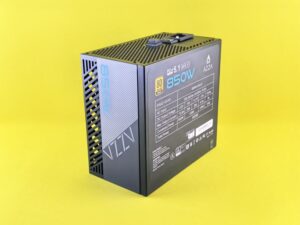
Another crucial aspect is the power supply unit (PSU). A reliable PSU ensures that your components receive adequate power. It’s advisable to choose a power supply that exceeds your components’ total wattage to allow for future upgrades.
Assembling Your Gaming PC
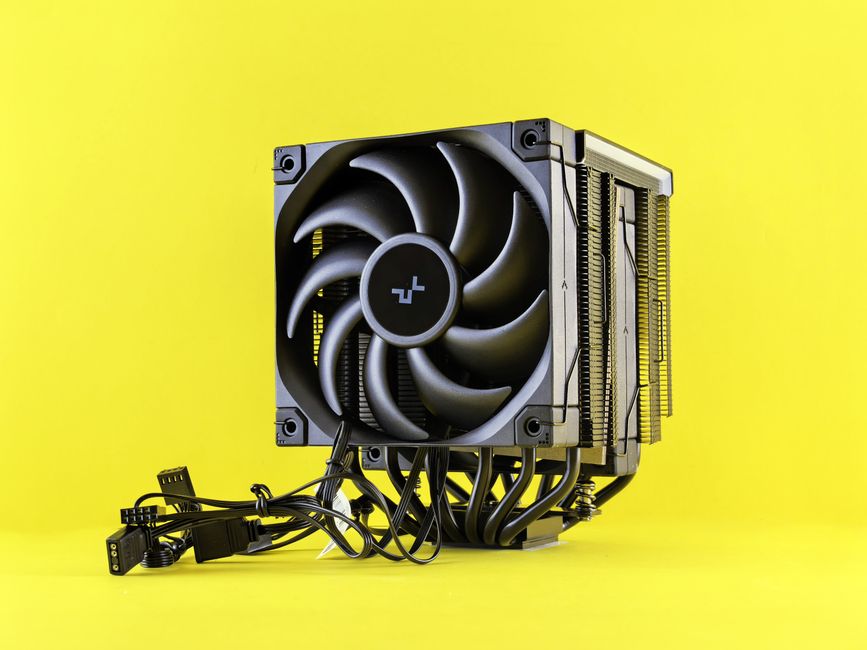
Once you’ve gathered all the necessary components, it’s time to assemble your gaming PC. Start by installing the CPU onto the motherboard. Ensure you align the notches correctly and apply thermal paste if needed. Next, install the RAM sticks into the designated slots on the motherboard, following the correct configuration for dual-channel operation.
Afterward, mount the motherboard into the case, securing it with screws. Then, install the GPU into the PCIe slot, ensuring it’s firmly seated. Connect the power supply to the motherboard and GPU, making sure all cables are organized to promote airflow within the case.
Finally, install your storage devices. If you opted for an SSD, consider placing it in a designated tray for faster access. Once everything is connected, close the case and prepare for the first boot. Make sure to enter the BIOS settings to configure your system before installing the operating system.
Testing and Optimizing Performance
After assembling your gaming PC, the next step is to test its performance. Use benchmarking tools to evaluate the capabilities of your system. This will help identify any bottlenecks and areas for improvement. Regularly monitor temperatures and performance metrics to ensure that everything runs smoothly.
Overclocking is another method used by gamers to enhance performance. This involves increasing the clock speeds of your CPU and GPU beyond their factory settings. While overclocking can provide significant performance boosts, it’s essential to do so cautiously to avoid overheating and potential damage.
Lastly, consider optimizing your gaming settings based on your hardware capabilities. Adjusting in-game settings can yield better performance while maintaining visual quality, allowing for a smoother gaming experience.
Utilizing Online Resources and Communities
Building a gaming PC doesn’t have to be a solo endeavor. Numerous online resources and communities can provide valuable insights and advice. Websites like forums, YouTube channels, and dedicated PC building sites offer tutorials, reviews, and discussions that can enhance your building experience.
One such resource is a gaming PC builder, which can help you select compatible parts and even estimate the total costs of your build. Engaging with these communities can also help you troubleshoot any issues you may encounter and stay updated on the latest trends and technologies in the gaming industry.
Conclusion
Building your own gaming PC is an exciting and rewarding experience. By understanding the basic components, carefully selecting parts, and taking the time to assemble and optimize your system, you can create a powerful gaming rig tailored to your preferences. With the right resources and community support, anyone can embark on the journey of constructing a custom gaming PC that meets their gaming needs and budget.